New in 1.9
The whole app was redesigned, with new ways to set up, sign, and read your documents.


Connection, latency, storage, and offline cache at a glance.
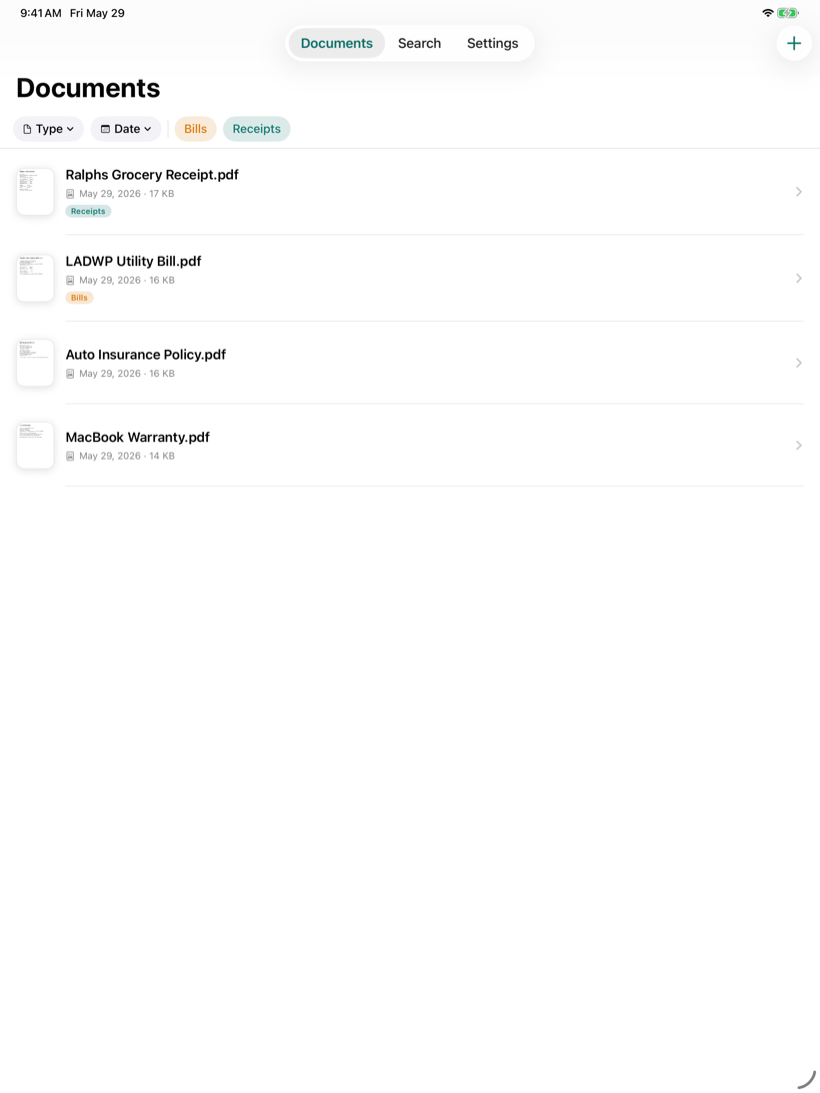
A roomy two column layout made for the big screen.
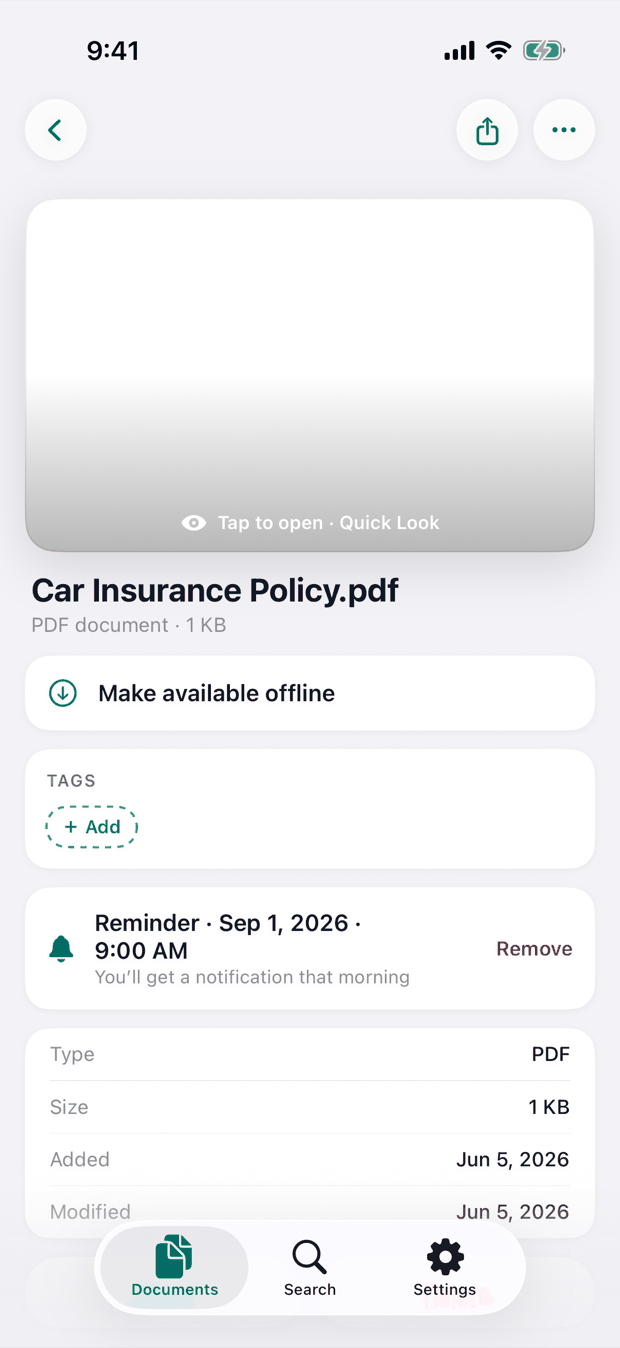
Set a reminder on any document and get a nudge when it is due.
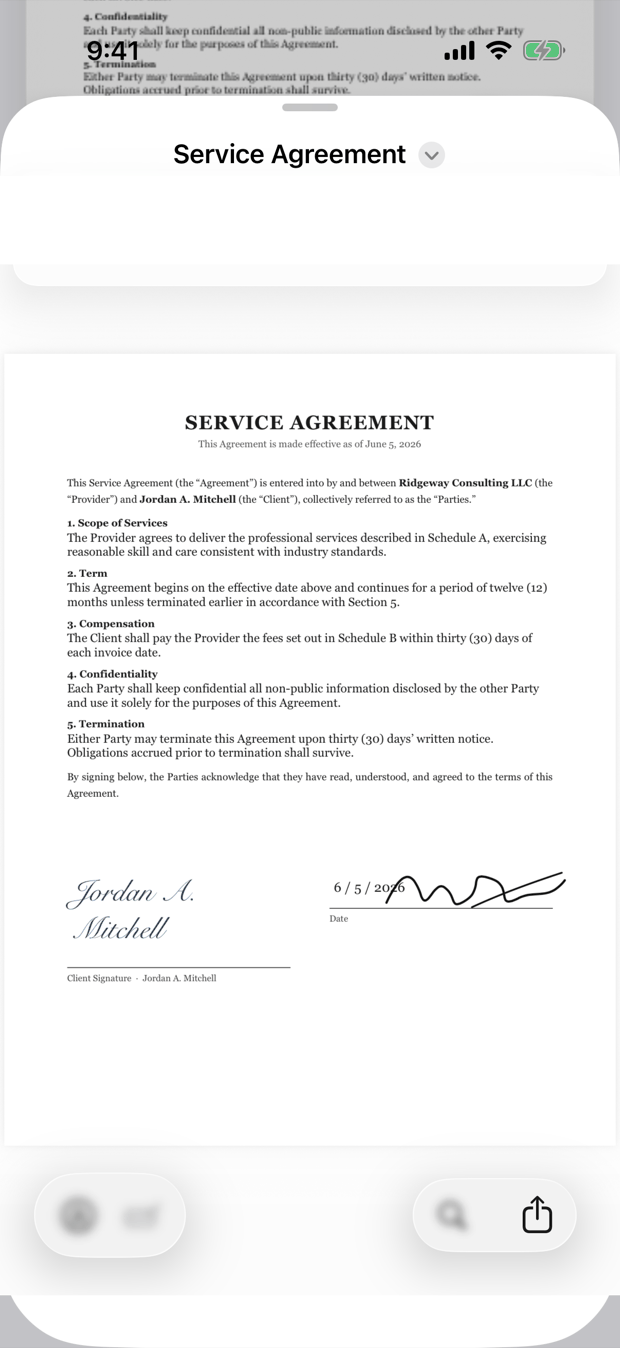
Send files into Receira with a preview, a name, and a destination picker.
Take a look
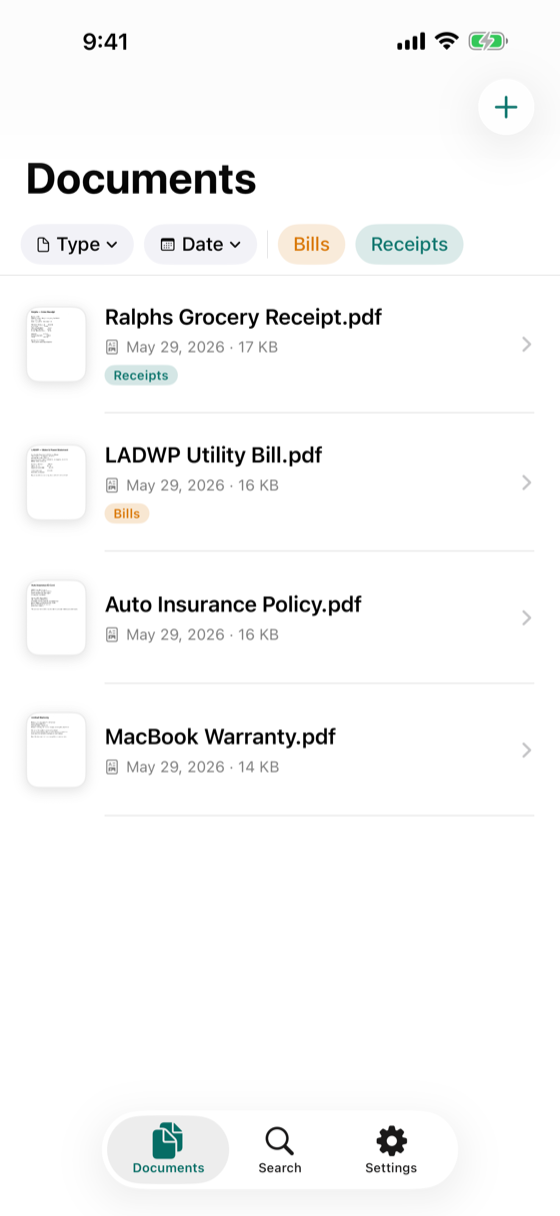
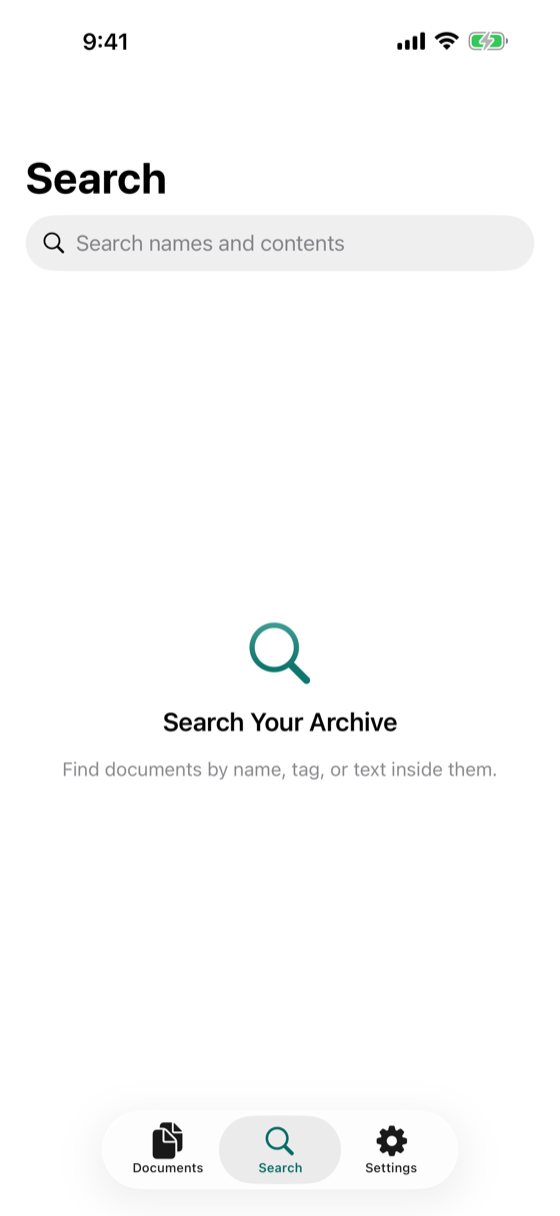
Browse, search, tag, and read from a clean, native interface.

Find anything
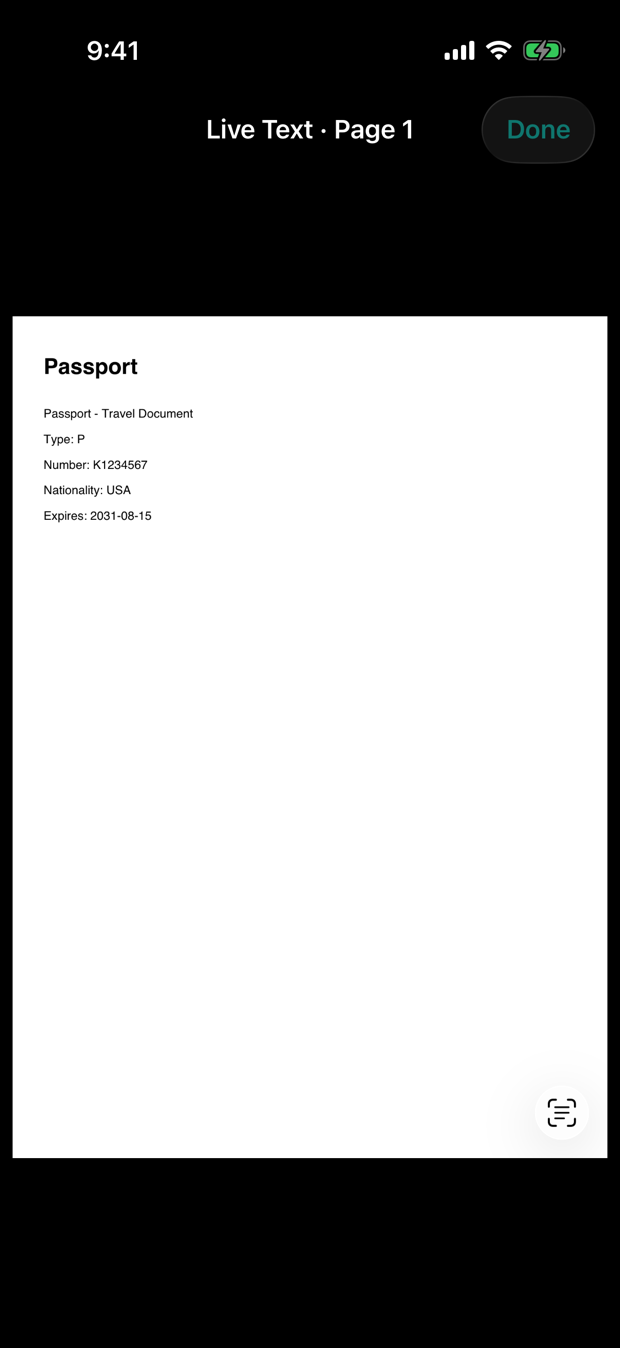
Full text and OCR search reads the contents of your documents, so you can find a receipt by what you bought, not just its name.

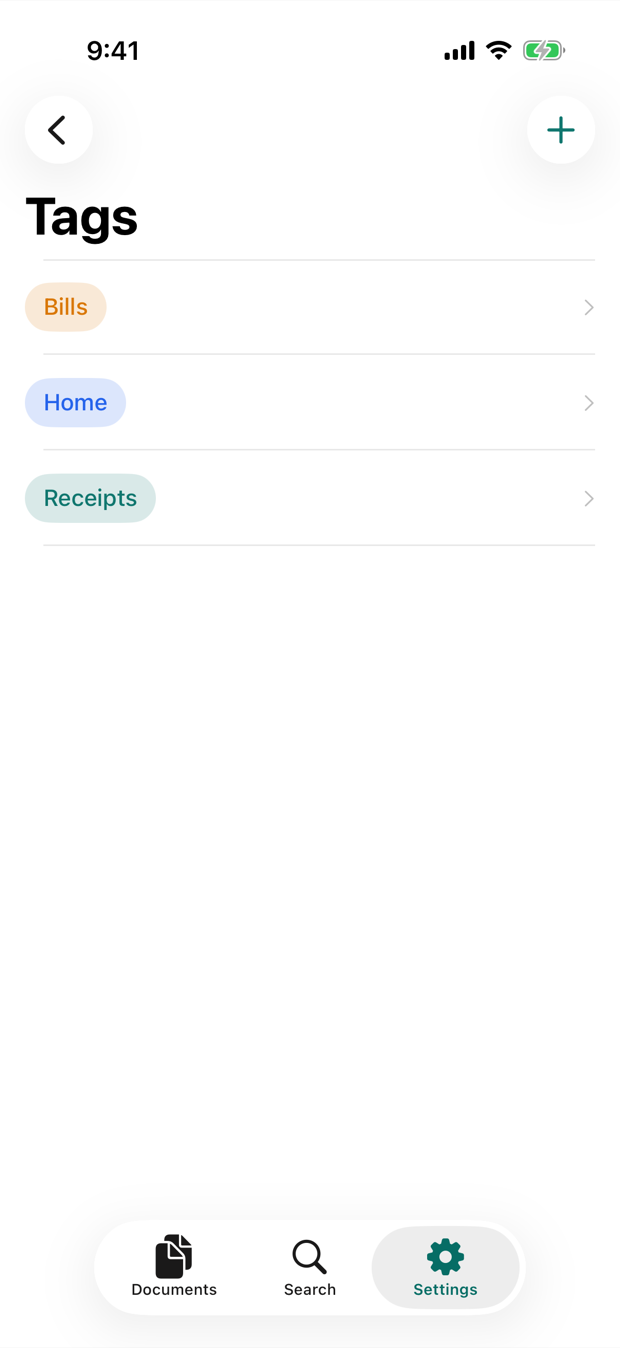
Stay organized
Organize with colored tags and filter by tag, type, or date. Keep any document on your phone to open it with no connection.

Never miss a date
Set a reminder on any document and Receira nudges you when it is due. It syncs across your devices and survives a reinstall.

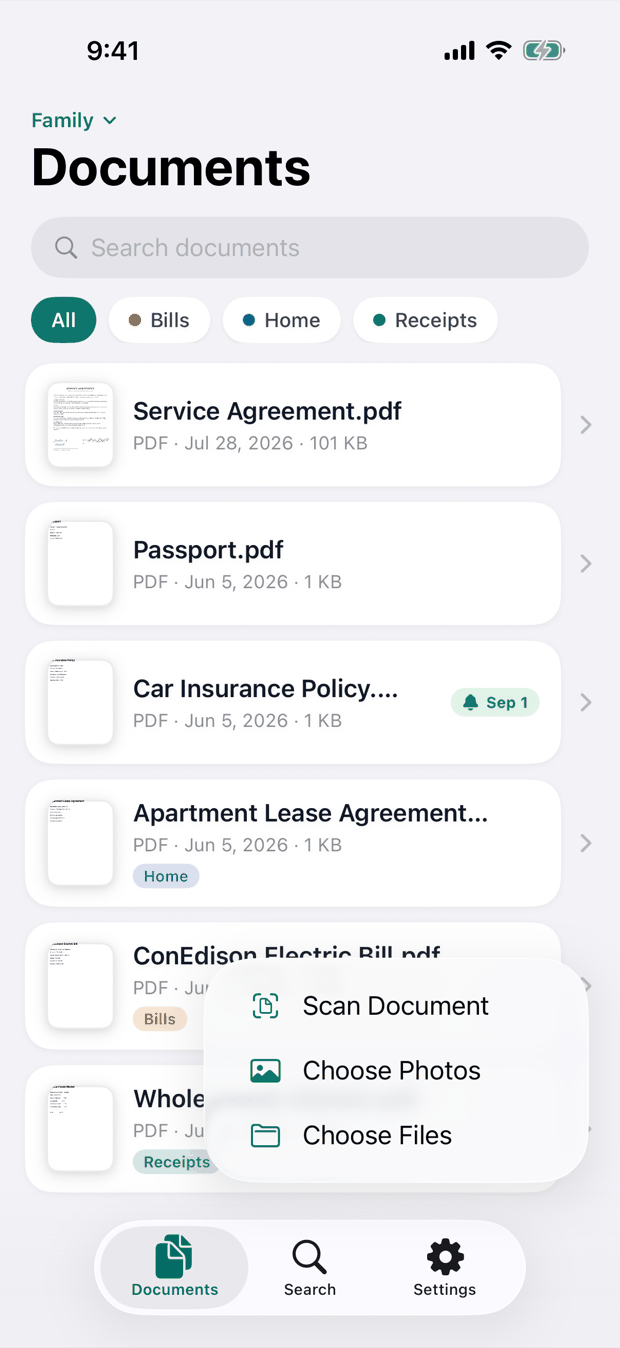
Capture
Scan paper with your camera, or bring in files from Files and Photos. Scanned a stack in one go? Split it into separate documents.
Features
Built entirely on Papra's open API.
Point at a receipt and on-device Vision OCR fills in the merchant, date, and total. Nothing leaves your phone.
An optional biometric lock keeps your archive private when your phone is not in your hands.
Home and Lock Screen widgets for recent documents, plus a Control Center button to scan in a tap.
Send files into Receira from any app, and run Upload or Search from Shortcuts and Spotlight.
Scanned a stack in one go? Split it into separate documents, each with its own name and tags.
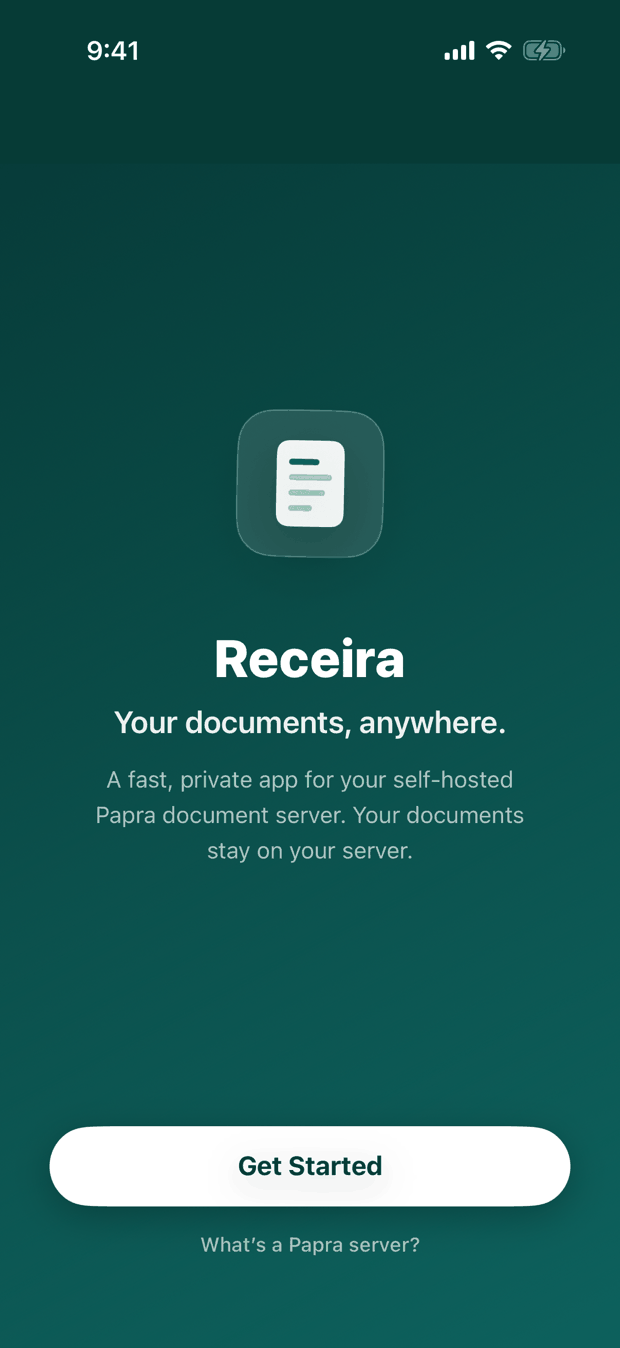
No account and no tracking. Receira talks only to the server you choose.
Made for iPad too
The same archive, in a two column layout built for iPad.

Receira is a client, not a server. You run your own Papra instance (self-hosted, or the hosted version) and connect the app with your server URL. It doesn't store your documents itself — everything stays on infrastructure you control.